
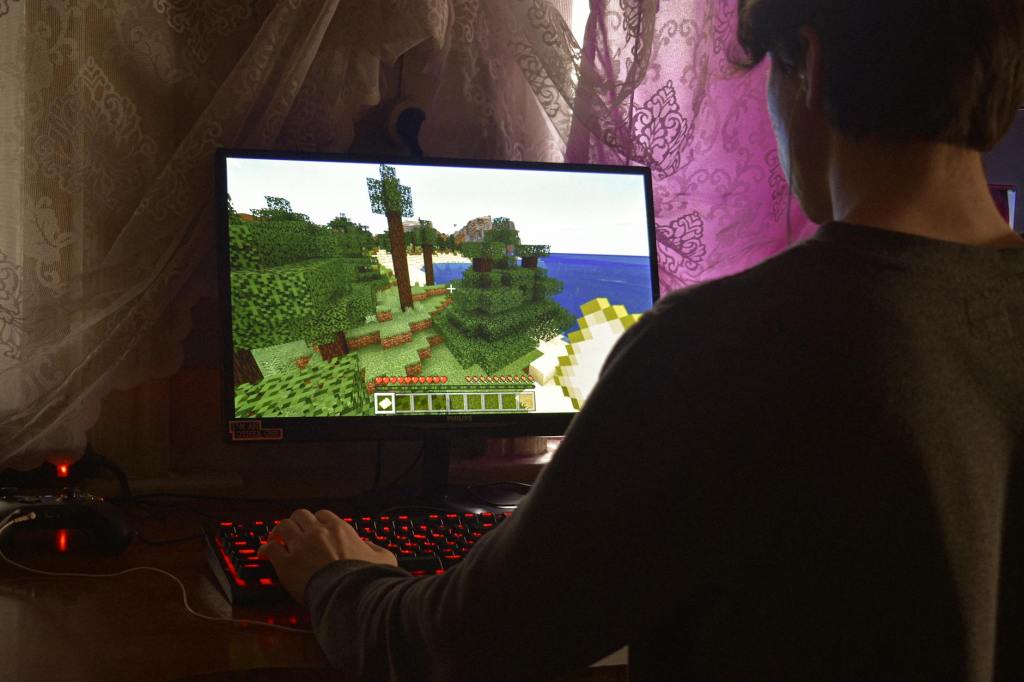
Picture this: A student who typically struggles with algebra is excitedly explaining quadratic equations to their classmates. But they’re not standing at a whiteboard – they’re showcasing a game they created, complete with a story-driven quest where solving equations unlocks new adventures. This isn’t a futuristic scenario. Thanks to artificial intelligence tools, students across grade levels can design educational games that teach their peers, all without writing a single line of code on their own. When we give students the tools to create educational games, we’re not just teaching content – we’re nurturing creativity, empathy, and leadership.
The Power of Student-Created Learning Games
When students transition from game players to game designers, they engage in a transformative learning process that extends far beyond the original subject matter. The benefits manifest in multiple dimensions:
- Deep conceptual understanding emerges as students must thoroughly grasp content to teach it effectively through their games
- Authentic audience engagement drives higher quality work, as students create for real users rather than just their teacher
- Student-authored content naturally incorporates peer-relevant language and perspectives, making it more accessible to future learners
- Pride of creation and ownership develops when students see their work used as genuine teaching tools
AI as the Game-Changer in Student Game Development
The traditional barriers to student game creation – primarily technical complexity and coding requirements – have been substantially lowered through AI integration. Modern AI tools handle the technical heavy lifting, allowing students to focus on creativity and content design. This democratization of game development occurs through several channels:
- Chatbots and specialized tools eliminate coding requirements while maintaining sophisticated functionality
- Automated systems help with simple mechanics and testing feedback
- Students can concentrate on game design principles rather than technical implementation
While students can use common tools such as ChatGPT or Claude, specialized tools like Rosebud.AI can simplify the process even further.
Structured Approach to Implementation
Success in implementing AI-enhanced game design requires a thoughtful, systematic approach and often requires several days or periods of walking students through various development phases–especially for those outside of PBL or project-rich environments. I typically break this down into three or four phases for simplicity:
1. Design Phase
Students begin by leveraging AI for brainstorming and concept development. This includes:
- Generating initial game concepts and mechanics
- Developing character backgrounds and storylines
- Researching similar educational games for inspiration
2. Prototype and Testing
Rapid iteration becomes possible through:
- AI-assisted mockup creation
- Quick feedback loops for improvement
3. Build and Launch
The development process is streamlined with:
- AI-powered debugging assistance
- Asset and content generation
4. Launch and Share
Final polish and distribution are supported through:
- AI-enhanced documentation creation
- Automated player guide generation
Addressing Implementation Challenges
However, AI doesn’t address all of the issues. There are still several other barriers outside of coding expertise:
Student Experience Gaps
Not all students begin with the same foundation in design thinking or gaming concepts. This necessitates:
- Exposure to diverse game genres such as:
- text-based adventures
- strategy games
- simulation games
- pet/tamagotchi-style games
- Showcase of successful previous projects to illustrate possibilities
Technical Learning Curves
While AI reduces technical barriers, tool familiarity remains important:
- Dedicated time for tool exploration and experimentation
- Multiple pathway options including ChatGPT, Claude, and specialized platforms like Rosebud AI
- Drawing on additional tools when appropriate such as Canva’s AI tools for generating character art or Eleven Labs for voices.
Classroom Culture Considerations
Creating an environment conducive to creative experimentation requires:
- Building student comfort with iterative design
- Establishing safe spaces for creative risk-taking
- Fostering collaborative learning communities
Best Practices for Success
Through implementation experience, several key strategies have emerged:
- Start with paper prototyping to refine concepts before digital implementation
- Organize structured feedback sessions and cross-class collaboration opportunities
- Integrate with other subject areas, particularly English Language Arts for documentation and presentation
- Celebrate student achievements through tournament-style events or game fairs
Wrap Up
As these tools continue to evolve, the opportunities for student creativity and deep learning will only expand. By empowering students as creators rather than just consumers, we’re preparing them for a future where technological fluency and creative problem-solving are paramount.
All that said, the success of this approach hinges on thoughtful implementation, adequate support structures, and a commitment to fostering an environment where creative experimentation is encouraged.
 Brady Licht